
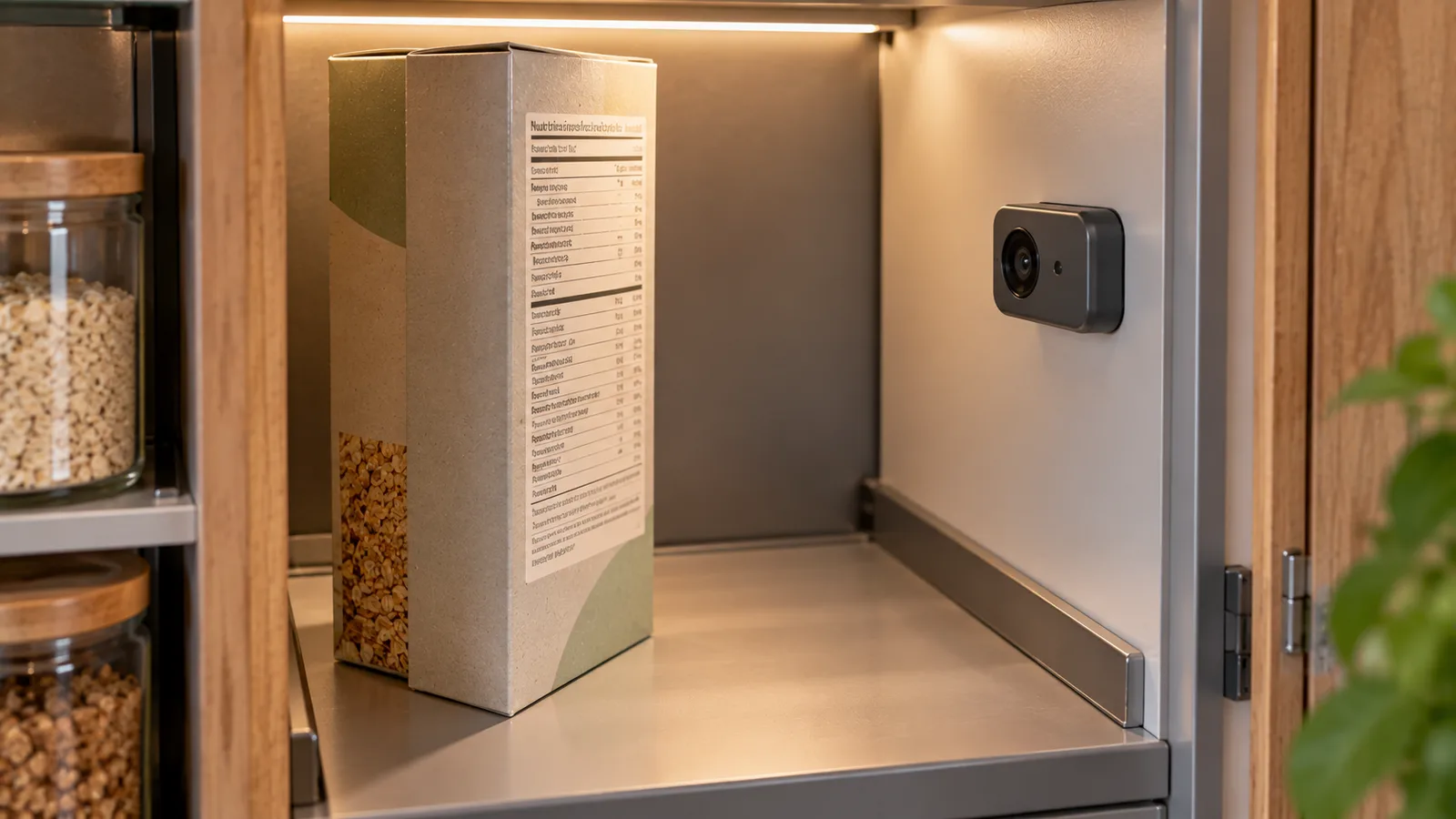
A food scanner can read a nutrition label from a photo, but this is different from scanning a barcode.
With a nutrition label scanner, the app analyzes the visible text and numbers on the package. It may identify calories, protein, carbohydrates, fat and other nutrition information without requiring you to type every value manually.
How useful the result is depends on the quality of the image, the label format and how accurately the extracted information is interpreted.
Nutrition label scanning and barcode scanning are different
These two workflows are often confused.
A barcode scanner reads an identifier printed on the package. The app then searches a product database for a matching item.
A nutrition label scanner analyzes the actual nutrition information visible in a photograph.
The difference is important:
Barcode
barcode → product identifier → database lookup → stored nutrition data
Nutrition label photo
camera → label image → text and number recognition → structured nutrition data
A barcode itself normally does not contain the complete nutrition table.
For a detailed explanation of the barcode workflow, see Food Barcode Scanners: What Nutrition Data They Provide.
What can a nutrition label scanner read?
Depending on the label and the scanner, information may include:
- energy;
- calories or kilocalories;
- fat;
- saturated fat;
- carbohydrate;
- sugars;
- fiber;
- protein;
- salt or sodium;
- serving size;
- values per 100 g;
- values per 100 ml;
- values per serving.
Some labels contain additional nutrients.
The exact fields vary by country, product and label format.
Why scanning the table is useful
Manual nutrition entry can be repetitive.
Suppose a product is not available in the app's database.
Without label scanning, you may need to type:
- product name;
- calories;
- protein;
- carbohydrates;
- fat;
- serving size;
- package quantity.
With a readable label photo, much of the numerical information can potentially be extracted from the image.
The user can then verify the result before saving or using it.
Example of a label scan
Imagine a label states, per 100 g:
| Nutrient | Amount |
|---|---|
| Energy | 240 kcal |
| Fat | 8 g |
| Carbohydrate | 30 g |
| Protein | 10 g |
If you eat 75 g, the app can use those values to calculate the portion.
Calories:
240 × 75 ÷ 100 = 180 kcal
Fat:
8 × 75 ÷ 100 = 6 g
Carbohydrate:
30 × 75 ÷ 100 = 22.5 g
Protein:
10 × 75 ÷ 100 = 7.5 g
The scanner's first task is extracting the label correctly. Portion calculation is a separate step.
Per 100 g and per serving must not be confused
One of the most important parts of label interpretation is identifying what the numbers refer to.
A package may show:
- values per 100 g;
- values per serving;
- both;
- values per 100 ml for liquids.
Suppose a label shows:
250 kcal per 100 g
and the serving size is:
40 g
The serving contains:
250 × 40 ÷ 100 = 100 kcal
If a scanner mistakes the per-100-g value for the serving value, the result will be wrong even though the number itself was recognized correctly.
A useful scanner therefore needs context, not only character recognition.
A scanner needs to understand rows and columns
Nutrition labels are structured tables.
The scanner may need to determine that:
- 12 g belongs to fat;
- 3 g belongs to saturated fat;
- 24 g belongs to carbohydrate;
- 5 g belongs to sugars;
- 8 g belongs to protein.
It may also need to distinguish between two columns such as:
per 100 g
and
per portion
Recognizing every number without matching it to the correct nutrient is not enough.
Why some labels are easier to scan than others
A clear flat label is usually easier to process than one printed on a curved, reflective or wrinkled package.
Image quality can be affected by:
- glare;
- shadows;
- motion blur;
- low resolution;
- small text;
- curved packaging;
- folds;
- damaged labels;
- poor contrast;
- part of the table being outside the image.
The camera should ideally capture the complete nutrition table as clearly as possible.
How to photograph a nutrition label
For a more reliable scan:
- Place the nutrition table fully inside the frame.
- Keep the camera reasonably parallel to the label.
- Move close enough for small numbers to remain sharp.
- Avoid strong reflections.
- Make sure no important row or column is cropped.
- Hold the camera steady.
- Check the extracted values before saving them.
You usually do not need a visually attractive photo.
You need a readable one.
Curved packaging can distort the table
Bottles, jars, cans and flexible bags can bend the label around the package.
This can cause:
- part of a row to disappear around the edge;
- numbers to become distorted;
- column alignment to become unclear;
- reflections to cover individual values.
If possible, rotate the package so the nutrition table faces the camera directly.
For flexible packaging, flattening the label area can also make the information easier to read.
Glare is a common problem
Glossy packaging can reflect overhead lights or windows.
A bright reflection over one number may change an otherwise readable scan into an ambiguous one.
Instead of photographing directly under a strong light:
- slightly change the package angle;
- move the light source relative to the label;
- avoid covering the table with your own shadow;
- check that every important number remains visible.
The goal is even readability rather than maximum brightness.
Calories and kilojoules can appear together
Some labels display energy in both kilojoules and kilocalories.
For example:
840 kJ / 200 kcal
A scanner needs to distinguish the two units.
Treating 840 as calories would create a major error.
This is another reason why label scanning requires interpretation of units as well as recognition of numbers.
For more on the terminology, see Calories vs Kilocalories: What's the Difference?.
Decimal separators can vary
Labels may use:
3.5 g
or
3,5 g
depending on language and region.
A scanner should interpret the decimal separator correctly rather than reading 3,5 as 35.
This becomes especially important for nutrients that are often present in small amounts.
Salt and sodium are not interchangeable values
Depending on the market, a label may list salt or sodium.
These are related but they are not numerically identical.
A scanner should preserve what the label actually reports rather than simply assigning every value to a generic salt field.
The same principle applies to other nutrients whose labeling conventions differ between markets.
What if the label has several languages?
Multilingual packages are common.
A scanner may encounter the same nutrient names repeated in several languages.
For example, a package sold across Europe may present multiple translations around one set of numbers.
This creates a different challenge from a simple single-language table.
A good extraction workflow should identify the nutrition values without treating translated nutrient names as separate nutrient entries.
Can a scanner read the ingredient list too?
Potentially, yes, if the ingredient text is visible and the system supports text extraction.
But an ingredient list and a nutrition declaration answer different questions.
The nutrition table gives numerical nutrient information.
The ingredient list shows which ingredients were used and normally presents them according to applicable labeling rules.
Reading and interpreting an ingredient list therefore deserves its own workflow.
See How to Read an Ingredient List on a Food Label.
Can it identify allergens?
A photo may contain allergen information, but allergen handling should not rely blindly on automated image recognition.
Allergen statements can appear:
- inside the ingredient list;
- in emphasized formatting;
- in a separate "contains" statement;
- elsewhere on the package.
Formatting and labeling practices also vary by market.
If avoiding an allergen is medically important, verify the original package information rather than relying solely on an automated scan.
What happens when a value is unreadable?
A scanner should not silently turn uncertainty into a confident number.
If the image clearly shows:
Protein 8 g
but the carbohydrate value is obscured by glare, the safer workflow is to flag or leave the unclear value unresolved rather than inventing it.
From a user perspective, this means a scanner can still save time even when it does not extract every field.
The user may only need to correct one value instead of entering the entire table manually.
Missing does not mean zero
This distinction is especially important.
If a scanner cannot detect a fiber value, that does not necessarily mean the product contains zero fiber.
It may mean:
- the label does not report it;
- the field is outside the photo;
- the text was unreadable;
- the scanner failed to identify the row.
A missing value and a measured zero are different pieces of information.
Why automatic verification matters
A practical workflow is not simply:
photo → save everything automatically
A safer workflow is:
photo → extract → structure → show result → verify → save
For example, the app can display:
- calories: 180 kcal;
- protein: 9 g;
- carbs: 22 g;
- fat: 6 g;
and let the user compare those values with the package.
This keeps automation useful without pretending image recognition is infallible.
Barcode first, label second can be efficient
For packaged foods, a combined workflow can reduce manual work.
Step 1: scan the barcode
If the product exists in the database and the information looks current, the entry may already be usable.
Step 2: use the nutrition label when needed
If the product is missing, incomplete or clearly inconsistent with the current package, scan the nutrition table.
Step 3: verify
Compare the extracted information with the physical label.
This combines the speed of barcode lookup with the flexibility of photo-based label reading.
When label scanning is especially useful
A nutrition label scanner can be useful for:
- products missing from a database;
- local supermarket products;
- private-label products;
- newly reformulated foods;
- products bought while traveling;
- products with a barcode that returns no result;
- products whose database entry appears incomplete.
It is particularly useful as a fallback when database-based tracking cannot identify the current product reliably.
When label scanning is not the right tool
A nutrition label scanner is designed for visible packaged-food information.
It is not the same as estimating a meal from a photograph.
For example:
Packaged yogurt with a nutrition table
Label scanning can extract the printed nutrient values.
Homemade pasta dish
There is no printed nutrition table to read. The app needs a different method, such as ingredient-based calculation or food-image estimation.
Restaurant meal
Again, there may be no package label. Menu information or meal-photo analysis is a different workflow.
This distinction prevents several different tracking technologies from being treated as the same feature.
Nutrition label scanner vs food photo scanner
A nutrition label scanner answers:
"What numbers are printed on this package?"
A food photo scanner tries to answer questions such as:
"What food is this?"
and potentially:
"How much of it is present?"
Those are different computer-vision tasks.
A label scanner can often work with known printed values.
A meal-photo scanner must estimate information that may not be explicitly visible.
Nutrition label scanner vs barcode scanner
| Feature | Nutrition label scan | Barcode scan |
|---|---|---|
| Reads printed nutrition values | Yes | No |
| Uses product identifier | Not required | Yes |
| Depends on product database | Not necessarily | Usually |
| Can help with unknown packaged food | Yes | Only if database has it |
| Needs readable nutrition table | Yes | No |
| Can identify product quickly | Sometimes | Usually |
The two methods complement each other rather than competing directly.
Example: product missing from the database
Suppose you buy a local cereal.
You scan its barcode.
No product is found.
Instead of manually entering the complete nutrition table, you photograph the label.
The scanner extracts:
- 380 kcal per 100 g;
- 8 g fat;
- 62 g carbohydrate;
- 10 g protein.
You compare the values with the package and confirm them.
If your portion is 45 g:
380 × 45 ÷ 100 = 171 kcal
The missing database record no longer prevents you from tracking the food.
Example: database entry does not match the package
Products can change.
Suppose the database shows:
420 kcal per 100 g
but the package currently in your hand shows:
390 kcal per 100 g
Possible explanations include:
- recipe reformulation;
- an outdated database entry;
- a different regional version;
- a different product variant;
- incorrect stored data.
The physical package is valuable evidence for the specific product you are actually eating.
A label scan can make updating or verifying the values faster.
Serving information still requires attention
Even when the nutrient table is read correctly, serving interpretation can cause errors.
Suppose the package contains 300 g and the label describes a serving as 50 g.
That means the package contains:
300 ÷ 50 = 6 servings
If you eat 100 g, you ate two label servings.
A scanner should not assume that one package equals one serving.
Package size is not always serving size
This matters for:
- drinks;
- snack bags;
- cereal;
- desserts;
- ready meals;
- sauces.
A bottle may contain 500 ml while the nutrition information describes a 250 ml serving.
A package may look like one eating occasion while officially containing several servings.
Always distinguish:
package amount
from
nutrition-label serving amount.
How label scanning can reduce manual logging
Traditional manual entry may require several taps and typed values.
A label scanner can shorten the process to:
- photograph the table;
- review extracted values;
- enter or confirm the amount eaten;
- save.
This is most valuable when the product cannot be found through a faster database lookup.
Automation should reduce repetitive input, not remove the user's ability to verify the result.
What should you verify before saving?
Check at least:
- whether calories are per 100 g or per serving;
- whether kcal and kJ were interpreted correctly;
- protein;
- carbohydrate;
- fat;
- serving size;
- decimal separators;
- whether any column was shifted;
- whether the package size was mistaken for the serving size.
If something looks implausible, compare it directly with the package.
A practical scanning workflow
For a packaged food:
1. Try the barcode
Use the fastest structured lookup first.
2. Check the returned product
Confirm that the product and nutrition information match the package.
3. Photograph the nutrition label if needed
Use this when the product is missing or the stored information is questionable.
4. Review extracted fields
Correct anything that was misread.
5. Enter the amount eaten
Use grams, milliliters or a clearly defined serving.
6. Save the food
The product can then be easier to track again later.
This workflow avoids unnecessary manual entry while keeping the original label available for verification.
The practical takeaway
Yes, a food scanner can read nutrition labels when the app supports image-based text and table extraction.
But the important part is not merely recognizing characters.
The system must correctly understand:
- nutrient names;
- numbers;
- units;
- rows;
- columns;
- per-100-g values;
- serving values;
- missing information.
Barcode scanning and nutrition-label scanning solve different problems.
For packaged foods, the most practical system is often:
barcode lookup first → nutrition-label photo when needed → user verification → portion calculation.
That gives the speed of a product database while still providing a fallback for products the database cannot reliably identify.