
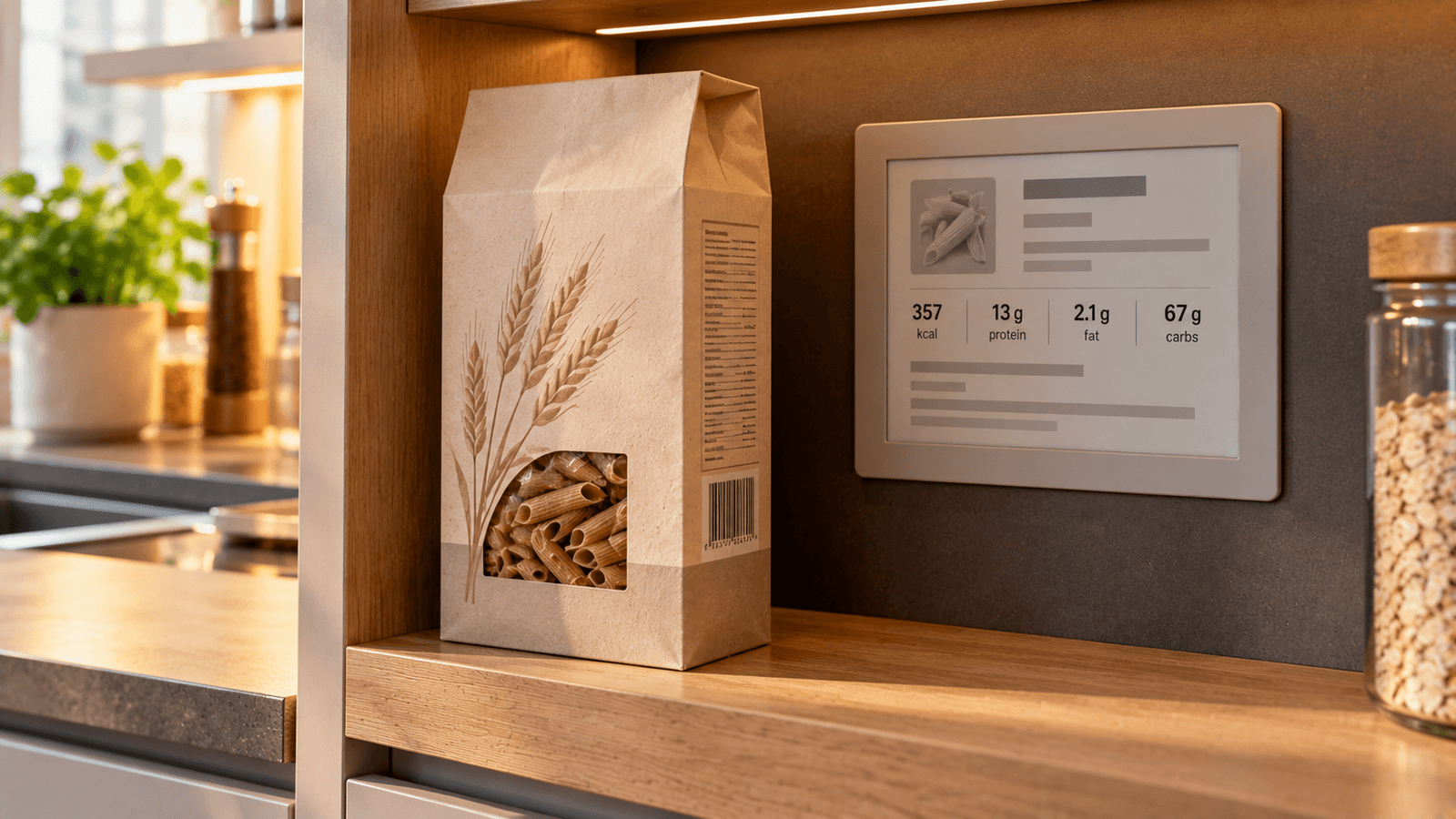
Scanning a barcode can make logging a packaged food much faster.
Instead of searching for a product name and manually entering its nutrition values, a food-tracking app can use the barcode to look for an existing product record.
But the barcode itself does not contain a complete nutrition label.
Understanding that distinction explains both why barcode scanning is useful and why the result sometimes needs to be checked.
What does a food barcode actually contain?
A retail barcode usually identifies a product through a standardized product number.
It is essentially an identifier.
The barcode itself does not normally encode a complete list of:
- calories;
- protein;
- carbohydrate;
- fat;
- fiber;
- ingredients;
- serving sizes.
When an app scans the code, it reads the identifier and uses it to search a product database.
If the database contains a matching product, the app can return the nutrition information stored for that record.
The workflow is therefore:
barcode → product identifier → database lookup → product information
This is different from reading the nutrition label directly from the barcode.
What nutrition data can a barcode scanner provide?
The exact fields depend on the database and the product.
A product record may contain:
- energy or calories;
- protein;
- carbohydrate;
- sugars;
- fat;
- saturated fat;
- fiber;
- salt or sodium;
- serving size;
- nutrition values per 100 g;
- nutrition values per 100 ml;
- package size;
- product name;
- brand;
- ingredients;
- allergen information.
Not every product record contains every field.
One product may have a detailed record while another may contain only basic calories and macronutrients.
Example of a barcode result
Imagine you scan a 500 g yogurt container.
The database record might return:
| Field | Example |
|---|---|
| Energy | 72 kcal per 100 g |
| Protein | 8.5 g per 100 g |
| Carbohydrate | 5.0 g per 100 g |
| Fat | 2.0 g per 100 g |
| Package size | 500 g |
If you eat 180 g, the app can scale the nutrition values.
Calories:
72 × 180 ÷ 100 = 129.6 kcal
Protein:
8.5 × 180 ÷ 100 = 15.3 g
The barcode finds the product record. Your consumed amount determines the nutrition logged.
Barcode scanning does not measure how much you ate
This is one of the most important limitations.
A successful barcode scan can identify a packaged product, but it does not automatically know whether you ate:
- 30 g;
- 100 g;
- half the package;
- the entire package.
You still need a usable portion amount.
For a 200 g product containing 250 kcal per 100 g:
50 g = 125 kcal
100 g = 250 kcal
200 g = 500 kcal
The product can be identified perfectly while the final calorie entry is still wrong because the portion was wrong.
Per 100 g and per serving are not the same thing
Food databases may store values using different bases.
Common examples are:
- per 100 g;
- per 100 ml;
- per serving;
- per package.
Suppose a cereal contains:
380 kcal per 100 g
and the suggested serving is:
40 g
Calories for 40 g:
380 × 40 ÷ 100 = 152 kcal
Logging 380 kcal as though it represented one serving would substantially overstate the amount.
Always check what quantity the nutrition values refer to.
Package size is not serving size
A 500 g package does not mean one serving is 500 g.
Likewise, a product may contain several servings even if it is sold as one package.
For accurate tracking, distinguish between:
package size — how much food is in the container;
and
amount consumed — how much you actually ate.
Where does the nutrition information come from?
Barcode scanners depend on databases.
Depending on the app and product, records may originate from sources such as:
- manufacturers;
- retailers;
- commercial food databases;
- public databases;
- community submissions;
- previous product entries.
This matters because database records can differ in completeness and freshness.
A barcode match should therefore be treated as a convenient retrieval method, not as proof that every field is current.
Why can barcode data be wrong?
There are several common reasons.
The product was reformulated
A manufacturer may change:
- ingredients;
- package size;
- calories;
- macros;
- serving information.
The database may still contain an older version.
A record was entered incorrectly
If product information was submitted manually, transcription errors can occur.
The database record is incomplete
Some records contain only part of the nutrition panel.
Regional versions differ
A product sold under a similar name in different countries may use different recipes or package sizes.
The barcode or packaging changed
Products can be redesigned or assigned different identifiers over time.
A quick verification before logging
You do not need to inspect every scanned product in detail every time.
For a product you have not used before, check a few key fields:
- Product name
- Package size
- Calories or energy per 100 g / 100 ml
- Protein, carbohydrate and fat if you track macros
- Serving basis
Compare those fields with the physical package.
If they match, the record is much more likely to be useful for logging.
What if calories match but macros do not?
Check the label before assuming the database is correct.
Possible explanations include:
- outdated data;
- transcription error;
- different regional formulation;
- rounding on the label;
- confusion between per-serving and per-100-g values.
Small differences can occur because nutrition labels use rounding rules.
Large differences deserve another check.
What if the barcode is not found?
A barcode scanner is only as useful as the database behind it.
If the identifier has no matching record, the scan may return nothing.
A practical fallback workflow is:
- Scan the barcode.
- If no reliable product appears, use the nutrition label.
- Enter or capture the values from the package.
- Save the product if the app supports reusable entries.
This avoids turning a missing database record into a tracking dead end.
Using a nutrition-label photo as a fallback
When a barcode is missing from the database, the package itself is often the best available source for that specific product.
A nutrition-label photo can potentially be used to capture:
- energy;
- protein;
- carbohydrate;
- sugars;
- fat;
- saturated fat;
- fiber;
- salt;
- serving information.
The extracted values should still be checked against the visible label before they are saved.
This is especially useful for:
- new products;
- local brands;
- imported foods;
- store-brand products;
- products with recently changed packaging.
Barcode scanning is strongest for packaged foods
Barcode lookup works particularly well when the food has a stable commercial identity.
Examples include:
- yogurt;
- cereal;
- bread;
- packaged cheese;
- canned foods;
- frozen meals;
- snack products;
- sauces;
- drinks.
It is less useful for foods without a product barcode, such as:
- a banana;
- loose vegetables;
- restaurant meals;
- homemade meals;
- food served from a shared dish.
Those foods require a different tracking method.
Barcode scanner vs photo food tracking
These methods solve different problems.
A barcode scanner asks:
Which packaged product is this?
Photo food tracking asks:
What foods appear in this meal, and potentially how much is present?
For a sealed cereal box, barcode scanning may retrieve the exact product record more directly.
For a plate containing rice, chicken and vegetables, there may be no meaningful product barcode to scan.
For a detailed comparison of the two workflows, see Barcode Scanning vs Photo Food Tracking.
Barcode scanner vs nutrition-label scanning
These are also different workflows.
Barcode scanning
Uses a product identifier to retrieve an existing database record.
Nutrition-label scanning
Reads information printed on the package itself.
Barcode scanning can be faster when the database record is correct.
Label scanning can be useful when:
- the barcode is missing;
- the product is not in the database;
- the database record appears outdated;
- you want to verify the current package.
A robust food-tracking workflow can use both.
Example: database record does not match the package
Suppose the barcode result says:
450 kcal per 100 g
but the package in your hand says:
410 kcal per 100 g
Do not automatically use the database value simply because it appeared after a successful scan.
First check:
- Is the product name identical?
- Is the flavour or variant identical?
- Is the package size the same?
- Is the nutrition basis the same?
- Could the database contain an older formulation?
For tracking the package you are actually eating, the current label is generally the more relevant product-specific information.
Calories are only one part of the record
A barcode database may provide enough information to track calories while missing other fields.
For example:
| Field | Available? |
|---|---|
| Calories | Yes |
| Protein | Yes |
| Carbohydrate | Yes |
| Fat | Yes |
| Fiber | No |
| Ingredients | No |
| Allergens | No |
Do not interpret a missing field as zero.
Missing fiber data does not mean the food contains zero fiber.
It means that the record may not contain that information.
The same principle applies to other missing nutrients.
Zero and missing are different
This distinction is important in nutrition databases.
A value of:
0 g
means the record explicitly reports zero.
A blank or unavailable field means:
no value is available in that record.
Apps should ideally distinguish these states, and users should avoid treating missing data as a measured zero.
Serving-size errors can survive a correct barcode match
Imagine a protein bar database entry:
Package: 60 g
Calories: 220 per bar
If an app also stores 100 g values, you might see approximately:
367 kcal per 100 g.
Both can describe the same product correctly.
The error happens if 367 kcal is logged as one 60 g bar.
Always pair the nutrition number with its measurement basis.
What if you eat only part of a package?
Use the amount actually eaten.
Suppose:
Package size: 300 g
Energy: 180 kcal/100 g
Whole package:
180 × 3 = 540 kcal
If you eat 120 g:
180 × 120 ÷ 100 = 216 kcal
If you reliably know you ate 40% of the package:
300 × 0.40 = 120 g
Again:
216 kcal
Multi-serving packages
Products such as cereal, pasta, ice cream and large yogurt containers often contain multiple portions.
Scanning once identifies the product.
It does not convert the entire package into one serving.
For repeated use, saving the product can make later logging faster while still allowing the amount consumed to change each time.
Should you rescan the same food every time?
Usually not if:
- it is the same product;
- the formulation has not changed;
- the saved nutrition data matches the package.
A reusable product entry can reduce repeated work.
Rescan or recheck when:
- packaging changes;
- package size changes;
- nutrition values change;
- you buy a different variant;
- the saved record looks inconsistent.
Barcode data and ingredients
Some databases also store ingredient lists.
These can be convenient, but the physical package remains important when the information is safety-critical or the formulation may have changed.
If you want to understand ingredient order and what an ingredient list can tell you, see How to Read an Ingredient List on a Food Label.
Barcode data and allergens
Do not assume that a barcode database is a substitute for current package allergen information.
For an allergy or intolerance, use the current manufacturer/package information appropriate to the product and your medical guidance.
A database record may be incomplete or outdated.
What a good barcode workflow looks like
For a new packaged food:
1. Scan
Read the barcode and search for a matching product.
2. Confirm
Check the product name and variant.
3. Verify
Compare the main nutrition values with the package.
4. Set the amount
Enter the quantity actually eaten.
5. Log
Calculate nutrition for that amount.
6. Reuse
Save a verified product for faster future entries where appropriate.
This preserves most of the speed advantage without treating the database as infallible.
When barcode scanning saves the most time
Barcode scanning is especially useful for foods you buy repeatedly.
Once the correct product has been verified, future entries can become:
select product → enter amount → add
instead of:
search → compare several similar products → inspect nutrition → enter values → add
The benefit is therefore not only the first scan. It is the reusable product identity.
The practical rule
A barcode scanner does not magically read the nutritional composition hidden inside a barcode.
It uses the barcode to identify a product and retrieve information from a database.
For reliable tracking:
verify the product, check the nutrition basis, enter the amount you actually ate, and use the package label when the database record does not match.
That is the difference between fast product identification and accurate food logging.