
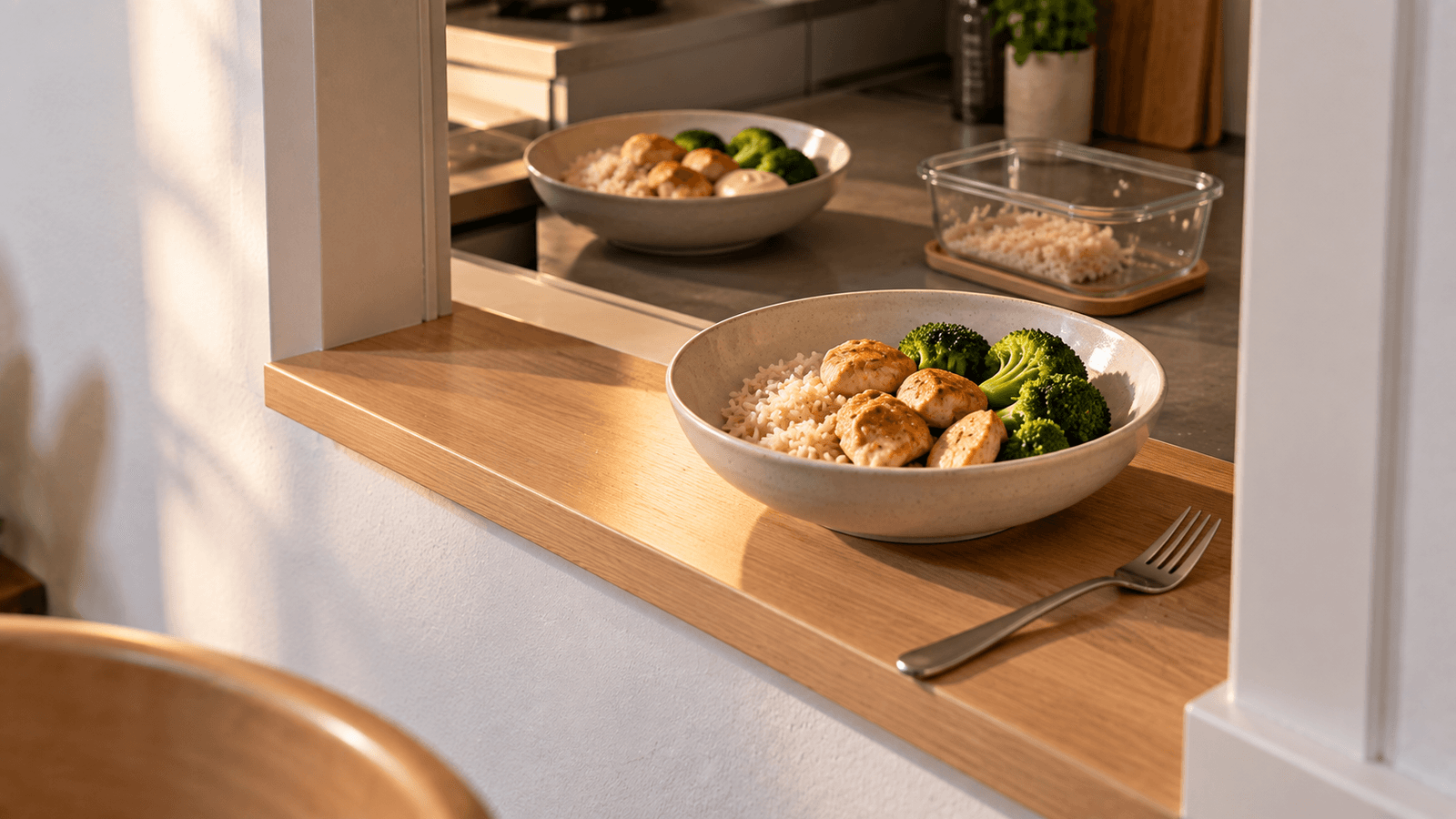
Food tracking becomes much easier when you stop treating every meal as completely new.
Many people repeat at least part of their routine: the same coffee in the morning, a familiar breakfast, a regular lunch, a homemade recipe eaten for several days or a small group of dinners that appear repeatedly.
If you already know what a meal contains, rebuilding it ingredient by ingredient every time adds work without necessarily adding useful information.
The faster approach is to save what stays consistent and edit only what changed.
First identify what actually repeats
A repeat meal does not have to be identical every time.
There are several useful levels of repetition:
| Type | Example | Fastest approach |
|---|---|---|
| Exact repeat | Same yogurt, oats and berries in the same amounts | Reuse the complete meal |
| Mostly identical | Same breakfast but different fruit | Copy meal and change one item |
| Repeated recipe | Same pot of chili eaten several times | Save recipe and log portions |
| Repeated base | Rice bowl with changing toppings | Save the base, add variable ingredients |
| Routine item | Same coffee every morning | Save as a frequent item |
The important distinction is between the part that remains stable and the part that changes.
Save exact repeat meals
If a meal is genuinely the same, there is little reason to recreate it each time.
Suppose your usual breakfast is:
- 200 g plain yogurt
- 40 g oats
- 100 g berries
- 15 g nuts
Once the foods and portions are correct, the complete combination can become a reusable meal.
The next time you eat it, reuse the saved version instead of searching for four foods again.
This reduces:
- searches
- barcode scans
- manual portion entry
- repeated ingredient selection
You only need to edit the entry when the meal actually changes.
Copy first, then edit what changed
Many repeat meals are similar rather than identical.
For example, yesterday's breakfast was:
- yogurt
- oats
- blueberries
- walnuts
Today's breakfast is:
- yogurt
- oats
- banana
- walnuts
There is no need to rebuild the whole breakfast.
Copy the previous meal, remove blueberries and add banana.
This principle is simple:
reuse the stable 80–90% and edit the variable part.
The exact percentage is not important. The goal is to avoid repeating work for ingredients that did not change.
Create reusable meal templates
A template is useful when the structure repeats but individual ingredients vary.
Consider a lunch bowl that usually contains:
- cooked grain
- protein
- vegetables
- sauce
Instead of saving one rigid meal, think of it as a reusable structure.
For example:
Regular lunch bowl
- 150 g cooked rice
- 120 g protein
- 150 g vegetables
- sauce added separately
On one day the protein might be chicken. On another it might be tofu.
Keeping the stable components and replacing only the variable ingredient is faster than starting with an empty log.
Save recipes for foods you cook repeatedly
Homemade mixed dishes are especially inefficient to rebuild every time.
If you regularly prepare:
- chili
- soup
- curry
- casserole
- pasta sauce
- overnight oats
- baked dishes
save the recipe once.
The recipe can contain the complete ingredient list and total amounts.
Then future logging becomes a portion problem rather than an ingredient-entry problem.
For example:
A finished recipe weighs 1,600 g.
You eat 400 g.
Your portion is:
400 ÷ 1,600 = 25% of the recipe
The tracker can therefore assign one quarter of the recipe's nutrition to your portion.
If the recipe changes substantially the next time you cook it, update or duplicate the recipe rather than pretending both versions are identical.
Use finished recipe weight when portions vary
Dividing a recipe into "four servings" works well only if the four servings are reasonably similar.
If one portion is much larger than another, weighing the finished recipe can be more useful.
Example:
- finished recipe: 1,850 g
- your portion: 370 g
370 ÷ 1,850 = 20%
This method lets different people or different days use different portion sizes without rebuilding the recipe.
It is particularly useful for soups, stews, pasta dishes and casseroles.
Keep frequently used ingredients easy to reuse
Sometimes the meal does not repeat, but individual foods do.
Examples include:
- the same milk in coffee
- the same bread
- the same yogurt
- the same cooking oil
- the same protein powder
- the same cereal
- the same condiment
Recent-item lists, favourites or saved products can remove repeated searching.
This is particularly useful for branded products whose nutrition information has already been verified.
Do not rescan the same product unnecessarily
If you have already scanned a packaged food and confirmed that its nutrition data matches the label, repeatedly scanning the same package may add unnecessary steps.
Reuse the verified product and change the amount when necessary.
Rescan or recheck when:
- you buy a different version
- the package size or formulation changes
- the nutrition label changes
- the saved entry appears incorrect
The goal is not to avoid verification. It is to avoid repeating verification when nothing has changed.
Separate stable ingredients from variable extras
A useful strategy for repeat meals is to keep optional additions separate.
Suppose your regular salad base is:
- lettuce
- cucumber
- tomato
- chicken
But the dressing, cheese, seeds or avocado changes.
Save the stable base.
Track the changing additions separately.
This matters because extras such as oil-based dressings, cheese, nuts and seeds can meaningfully change the meal's energy content.
See How to Track Sauces, Oils and Condiments More Accurately.
Reuse a photo estimate carefully
Photo-based tracking can make repeated meals faster, but a previous estimate should not automatically be reused when the visible portion has changed.
If today's meal is visually and compositionally similar to yesterday's, the previous entry can be a useful starting point.
Still check:
- portion size
- added oil or sauce
- toppings
- side dishes
- beverages
- ingredient substitutions
The goal is to reduce manual entry, not to make every repeated-looking meal nutritionally identical.
Create a small personal meal library
You probably do not need hundreds of saved meals.
A compact library of meals you genuinely repeat can remove a large amount of daily work.
For example:
Breakfasts
- Yogurt + oats + berries
- Eggs + bread
- Protein smoothie
Lunches
- Chicken rice bowl
- Lentil soup
- Leftover dinner
Dinners
- Pasta with meat sauce
- Fish + potatoes + vegetables
- Tofu stir-fry
If these meals cover a substantial part of your normal routine, most tracking starts from an existing entry rather than an empty screen.
Name saved meals so you can actually find them
A reusable meal is less useful if its name is vague.
Instead of:
Breakfast 1
use:
Oats + Yogurt + Berries
Instead of:
Chicken Meal
use:
Chicken Rice Bowl
If you keep several versions, add the distinguishing feature:
- Chicken Rice Bowl — Light Sauce
- Chicken Rice Bowl — Avocado
- Oats — Banana
- Oats — Berries
Names should help you recognize the meal without opening every saved entry.
Keep portion assumptions visible
A saved meal can become inaccurate when you forget what its original portions were.
If possible, keep the important quantities clear.
For example:
Regular Oat Breakfast
- oats 50 g
- milk 200 ml
- banana 120 g
- peanut butter 15 g
If today's peanut butter portion is 30 g, you immediately know what needs to change.
A saved meal should be a shortcut, not a hidden assumption.
Reuse yesterday when today is almost the same
One of the fastest workflows is simply copying a recent meal.
This works especially well for:
- weekday breakfasts
- work lunches
- meal-prepped food
- recurring snacks
- repeated drinks
A practical sequence is:
- copy the previous entry
- compare it with today's meal
- remove anything you did not eat
- add anything new
- change portions that differ
- save
For a mostly repeated meal, this can require far fewer actions than starting from scratch.
Meal prep can reduce logging work too
Meal prep is usually discussed as a cooking strategy, but it can also simplify tracking.
Suppose you prepare six portions from one recipe.
You enter the recipe once.
For the next several meals, you only select the saved recipe or portion.
This means the time spent entering ingredients is distributed across multiple meals.
If you meal prep frequently, recipe-based tracking can therefore be more efficient than repeatedly logging individual ingredients.
When should you create a new saved version?
Do not overwrite a useful saved meal every time you make a temporary change.
Create another version when the variation becomes something you genuinely repeat.
For example:
You normally eat oats with berries.
One day you use banana instead.
You can simply edit that day's copied meal.
But if you regularly alternate between berries and banana, two saved versions may be useful.
The purpose of the library is to represent your real patterns.
Avoid accumulating obsolete saved meals
Saving everything can eventually make tracking slower.
If your favourites list contains dozens of meals you no longer eat, finding the useful ones becomes harder.
Occasionally remove or archive:
- old product versions
- meals you stopped eating
- duplicate recipes
- experimental meals used only once
- outdated portions you no longer use
A small relevant library is often more useful than a huge one.
A practical repeat-meal workflow
For each meal, ask:
Have I eaten this before?
If no, log it normally.
If yes, ask:
Is it essentially identical?
If yes, reuse the saved meal.
If no, ask:
Is most of it identical?
If yes, copy the previous meal and edit the differences.
If it is a homemade mixed dish, use a saved recipe and adjust the portion.
If only one product repeats, reuse the verified product entry.
This creates a simple hierarchy:
- exact repeat → reuse
- small change → copy and edit
- repeated recipe → log portion
- repeated product → reuse product
- genuinely new meal → create from scratch
Speed should not come from ignoring meaningful changes
Faster tracking is useful only if the shortcut still represents what you ate reasonably well.
Pay particular attention when repeat meals change in ways that can materially affect the estimate, such as:
- substantially different portions
- additional cooking oil
- different sauces
- extra cheese
- nuts or nut butter
- different cuts of meat
- different product versions
- caloric drinks added to the meal
These changes are usually more important than small differences in very low-energy ingredients.
Build the shortcut after the meal is correct
The best time to save a meal is after you have checked that the foods and amounts are reasonably accurate.
Otherwise, an error can be repeated every time the saved meal is reused.
A useful sequence is:
- create the meal
- verify products and portions
- save it
- reuse it later
- edit only genuine changes
The initial setup takes slightly longer, but every later repeat becomes faster.
The goal is fewer repeated decisions
Efficient food tracking does not require logging less information when that information matters.
It requires entering the same information fewer times.
A good repeat-meal system turns familiar meals into reusable building blocks while keeping portions and meaningful changes editable.
The more predictable parts of your diet become shortcuts, the more attention you can give to meals that are actually new.