
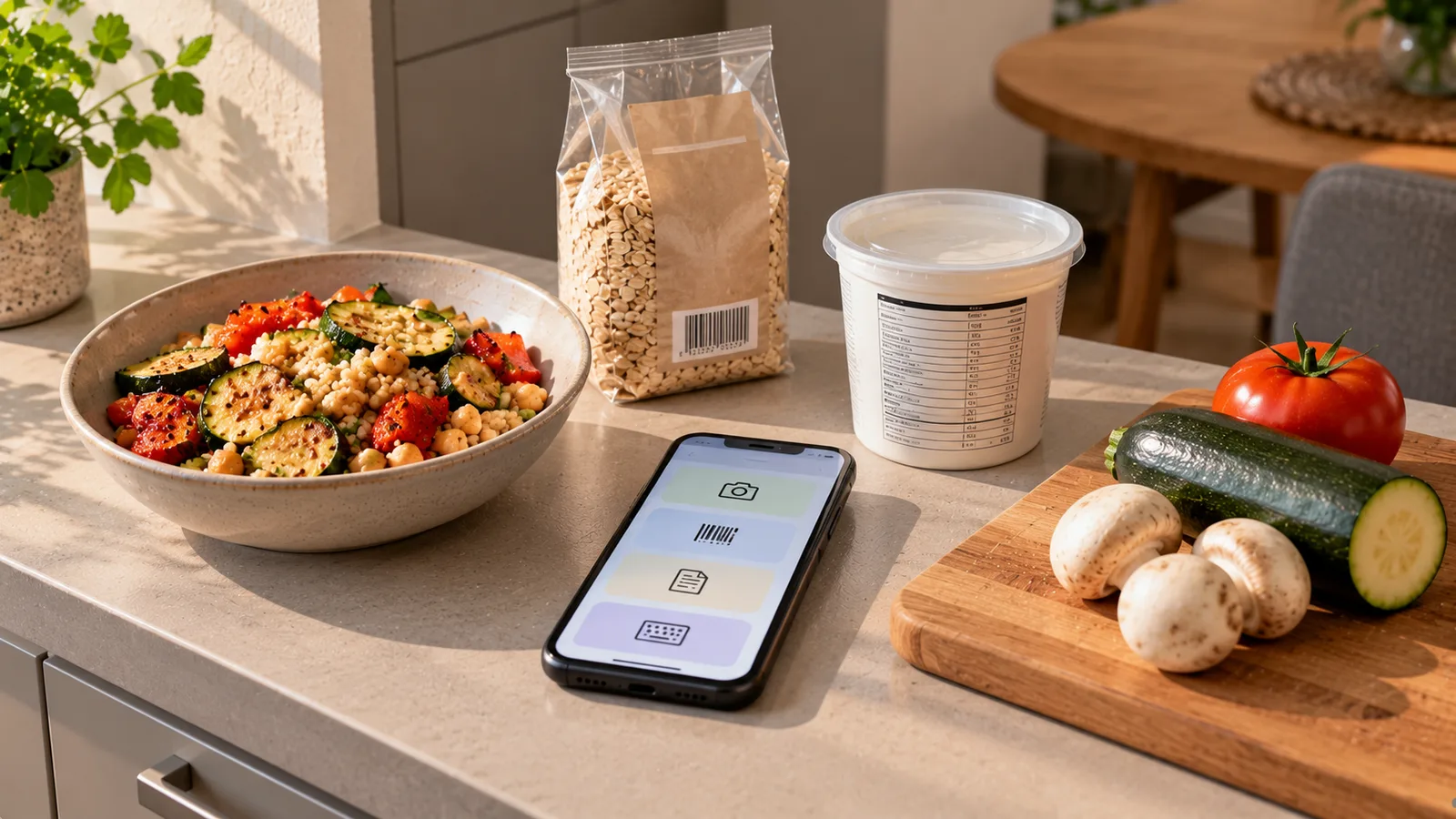
There is no single best way to log every food.
A barcode can be excellent for a packaged product but useless for a homemade dinner. A photo can capture a mixed meal in seconds but may require confirmation of ingredients or portion size. A nutrition label can provide product-specific information when a barcode database is incomplete. Manual entry takes more effort but gives you direct control.
The most practical approach is to choose the logging method according to what is in front of you.
The four main food-logging methods
For everyday tracking, four methods cover most situations:
| Method | Best suited to | Main limitation |
|---|---|---|
| Photo | Meals, mixed dishes, restaurant food | Ingredients and portions may need confirmation |
| Barcode | Packaged foods with a scannable code | Database entry may be missing or inaccurate |
| Nutrition label | Packaged foods with readable nutrition information | Requires a clear label and correct serving interpretation |
| Manual entry | Foods needing precise correction or custom data | Usually requires more typing |
These methods are not competitors that require you to choose one permanently.
They work best as different tools for different situations.
1. Photo logging
Photo logging is useful when the food is easier to show than describe.
Typical examples include:
- a plate of chicken, rice and vegetables;
- a bowl of pasta;
- breakfast with eggs, bread and fruit;
- a restaurant meal;
- a homemade mixed dish;
- several foods eaten together.
Instead of searching for every ingredient before eating, you photograph the meal and let the app identify likely foods.
Where photo logging is strongest
Its biggest advantage is speed.
A meal with five visible components can potentially be captured in one action rather than five separate searches.
It is especially useful when:
- you do not know the exact product name;
- the meal has several visible components;
- you are eating away from home;
- manually searching would create too much friction.
Where a photo has limits
A photograph cannot always reveal everything that affects nutrition.
For example, it may not show:
- how much oil was used during cooking;
- whether a sauce contains sugar or cream;
- the fat percentage of a dairy product;
- whether meat was weighed raw or cooked;
- ingredients hidden inside a casserole;
- the exact weight of each component.
Portion estimation from an image is also an estimate unless additional information is available.
Photo logging is therefore most useful when the result can be reviewed and corrected.
2. Barcode scanning
Barcode scanning is designed for packaged products.
Typical examples:
- yogurt;
- cereal;
- bread;
- canned foods;
- packaged cheese;
- sauces;
- frozen products;
- snack foods.
The barcode identifies the product, and the app retrieves a corresponding database record when one is available.
Why barcodes can be fast
A barcode can eliminate the need to type a product name and compare several similar search results.
For frequently purchased packaged foods, this can make repeated logging very quick.
A barcode does not contain the nutrition data itself
This distinction matters.
The barcode normally identifies the product. Nutrition information comes from a database record associated with that identifier.
That means a successful scan does not guarantee that every displayed value is correct.
Possible problems include:
- the product is not in the database;
- the manufacturer changed the recipe;
- the package size changed;
- the database record is old;
- serving information was entered incorrectly;
- a product variant was confused with another one.
For important discrepancies, compare the database result with the package in your hand.
3. Nutrition-label scanning
A nutrition-label scan uses the printed nutrition information on the package rather than relying only on a product database.
This can be useful when:
- the barcode is not recognized;
- the database entry looks wrong;
- the product is local or uncommon;
- you want to capture the values printed on the current package.
A label may contain values:
- per 100 g;
- per 100 ml;
- per serving;
- per package;
- or in more than one format.
The app still needs to interpret those values correctly.
Label scanning works best when the image is clear
For better results:
- photograph the label straight on;
- keep the nutrition table in focus;
- avoid glare;
- include the full table;
- make sure units are visible;
- avoid cutting off serving-size information.
If the package shows both per-100-g and per-serving values, confirm which one is being used for your logged amount.
4. Manual entry
Manual entry is the most flexible method because you control the data directly.
It is useful when:
- a product cannot be found;
- a barcode record is incorrect;
- a label cannot be scanned clearly;
- you know the exact ingredient and weight;
- you are entering a custom recipe;
- you need to correct an automated estimate.
The disadvantage is friction.
Typing names, quantities and nutrition values every time can make consistent tracking harder.
For that reason, manual entry often works best as a correction or fallback method rather than the default for every food.
Which method should you use for packaged foods?
A practical sequence is:
- scan the barcode;
- compare the result with the package if necessary;
- if the product is missing or incorrect, scan the nutrition label;
- correct manually if something still needs adjustment.
This uses the fastest method first while preserving a fallback.
Which method should you use for homemade meals?
For a simple meal with visible components, a photo can be the quickest starting point.
For example:
- chicken;
- potatoes;
- broccoli.
You can photograph the meal, review the identified foods and correct portions if necessary.
For a recipe containing many mixed ingredients, recipe-based logging may be better.
Suppose a pot contains:
- 500 g minced meat;
- 300 g dry pasta;
- 400 g tomato sauce;
- 15 g oil.
Logging the recipe once and dividing the finished dish into portions can be more consistent than asking a photo to infer hidden ingredients every time.
Which method should you use at restaurants?
Restaurant meals often have no barcode and no accessible nutrition label.
A photo is therefore a practical starting point.
You can improve the estimate by adding information from the menu, such as:
- dish name;
- listed ingredients;
- sauce;
- side dishes;
- portion details when available.
If the restaurant publishes nutrition information, use that information instead of relying entirely on visual estimation.
What about fruit and vegetables?
Whole produce usually does not need a barcode or nutrition-label scan.
For an apple, banana, tomato or similar food, you can use:
- photo recognition;
- food search;
- saved/recent foods;
- manual weight when greater precision is useful.
The fastest option depends on whether you know the portion.
What about repeat meals?
Repeated foods should become easier to log over time.
If you eat the same breakfast regularly, repeatedly scanning every package may be unnecessary.
A useful system can save:
- recent foods;
- favorite foods;
- previous meals;
- custom meals;
- recipes.
Then you only adjust the quantity when something changes.
Accuracy versus speed
Food logging always involves a trade-off between effort and detail.
Consider two extremes.
Maximum speed
You photograph a meal, accept the first estimate and move on.
This minimizes effort but may leave incorrect foods or portions uncorrected.
Maximum detail
You weigh every ingredient, verify every package label and enter every recipe component manually.
This can improve precision but requires much more time.
For many people, the useful point lies between these extremes.
Use automation where it works well and spend extra effort on items that materially affect the result.
A practical decision tree
Use this sequence:
Is it a packaged food with a barcode?
Yes: scan the barcode.
If the result matches the package, log the amount.
If it does not, scan the nutrition label or correct the data.
Is it a packaged food without a useful barcode result?
Photograph the nutrition label.
Confirm:
- calories;
- protein;
- carbohydrates;
- fat;
- units;
- whether values are per 100 g or per serving.
Is it a visible meal or mixed plate?
Take a photo.
Review the detected foods and portions.
Add hidden ingredients such as oils or sauces when relevant.
Is it a known recipe?
Use the saved recipe when possible.
Adjust the portion rather than rebuilding the ingredient list.
Is none of the above reliable?
Use manual entry.
Example: packaged yogurt
Imagine you have a 500 g container of yogurt and eat 200 g.
Barcode method
Scan the barcode and retrieve the product.
Then enter 200 g.
Label method
If the barcode record is missing, scan the nutrition table.
If the label lists values per 100 g, the app can calculate the amount for 200 g.
Manual method
If neither automated method works, enter the nutrition values from the package manually.
There is no benefit in manually typing everything first if the faster methods already produce the correct product.
Example: homemade lunch
Your lunch contains:
- grilled chicken;
- rice;
- vegetables;
- olive oil.
A photo may identify the visible chicken, rice and vegetables.
Oil is harder to infer visually.
If you know that approximately 10 g of oil was used in your portion, adding it manually can materially improve the estimate.
This is a good example of combining methods rather than insisting on only one.
Example: unfamiliar packaged product
You scan a barcode and the app shows a product with a different package size or nutrition values.
Do not assume the barcode result is automatically more trustworthy than the physical package.
Compare:
- product name;
- package size;
- calories;
- macros;
- serving basis.
If they differ, the current package label is the better reference for that specific product in your hand.
Example: restaurant pasta
A restaurant pasta dish has no barcode and the kitchen recipe is unknown.
A practical workflow is:
- photograph the dish;
- identify the likely type of pasta and visible ingredients;
- use menu information;
- estimate the portion;
- account for major sauces, cheese or added fats when possible;
- accept that the result is an estimate.
False precision is not useful when the underlying information is uncertain.
Combining methods is usually better
A flexible food tracker should allow methods to work together.
For example:
Barcode → label → manual correction
or:
Photo → ingredient review → portion correction
or:
Saved recipe → photo confirmation → portion adjustment
The fastest input method does not have to determine the final data.
When should you spend more time checking?
Extra verification is most useful when an error could meaningfully change the result.
Examples include:
- cooking oils;
- nuts and nut butters;
- cheese;
- sauces;
- large grain portions;
- high-calorie packaged foods;
- products whose database entry clearly differs from the label.
You do not necessarily need the same level of precision for every low-energy vegetable on the plate.
Avoid confusing missing data with zero
If an app cannot read a nutrient value, that does not mean the food contains zero.
For example, a failed label scan may leave a field empty.
The correct interpretation is:
unknown
not automatically:
0 g
This distinction matters when reviewing imported or automatically extracted data.
Check units before correcting numbers
Many apparent logging errors are actually unit errors.
Watch for:
- g versus ml;
- per serving versus per 100 g;
- kcal versus kJ;
- package weight versus consumed weight;
- raw versus cooked weight.
A correct number attached to the wrong unit can produce a very incorrect result.
Use the least demanding method that is good enough
A practical rule is:
Use the fastest method that gives sufficiently useful information for the food you are logging.
That might mean:
- barcode for a familiar packaged food;
- label scan for an unfamiliar product;
- photo for lunch at a restaurant;
- saved recipe for a homemade casserole;
- manual correction for cooking oil.
You do not need maximum effort for every entry.
How Mealisa can use this workflow
Mealisa is designed around minimal input rather than one mandatory logging method.
A practical hierarchy can be:
- use a photo when the meal itself is the easiest source of information;
- use a barcode for packaged foods;
- use the nutrition label when product data is unavailable or needs verification;
- use saved foods and recipes for repeated meals;
- use manual correction when automation does not have enough information.
The methods complement each other.
The goal is to reduce repetitive input while still allowing the user to correct uncertain data.
Quick comparison
| Situation | Good first choice | Useful fallback |
|---|---|---|
| Packaged yogurt | Barcode | Nutrition label |
| Unknown packaged product | Barcode | Label + manual correction |
| Apple | Photo/search | Manual weight |
| Homemade simple plate | Photo | Manual portion correction |
| Complex homemade recipe | Saved recipe | Manual ingredients |
| Restaurant meal | Photo | Menu information + correction |
| Repeat breakfast | Saved meal | Adjust individual foods |
| Incorrect database product | Nutrition label | Manual entry |
Key takeaway
Photo recognition, barcode scanning, nutrition-label scanning and manual entry solve different problems.
Use:
- photo when the meal is easier to show than describe;
- barcode when a packaged product can be identified quickly;
- nutrition label when you need the values printed on the current package;
- manual entry when you need direct control or a correction.
The most efficient food log is not the one that uses the same input method every time.
It is the one that chooses the simplest reliable method for each situation and lets you switch methods when the available information changes.