
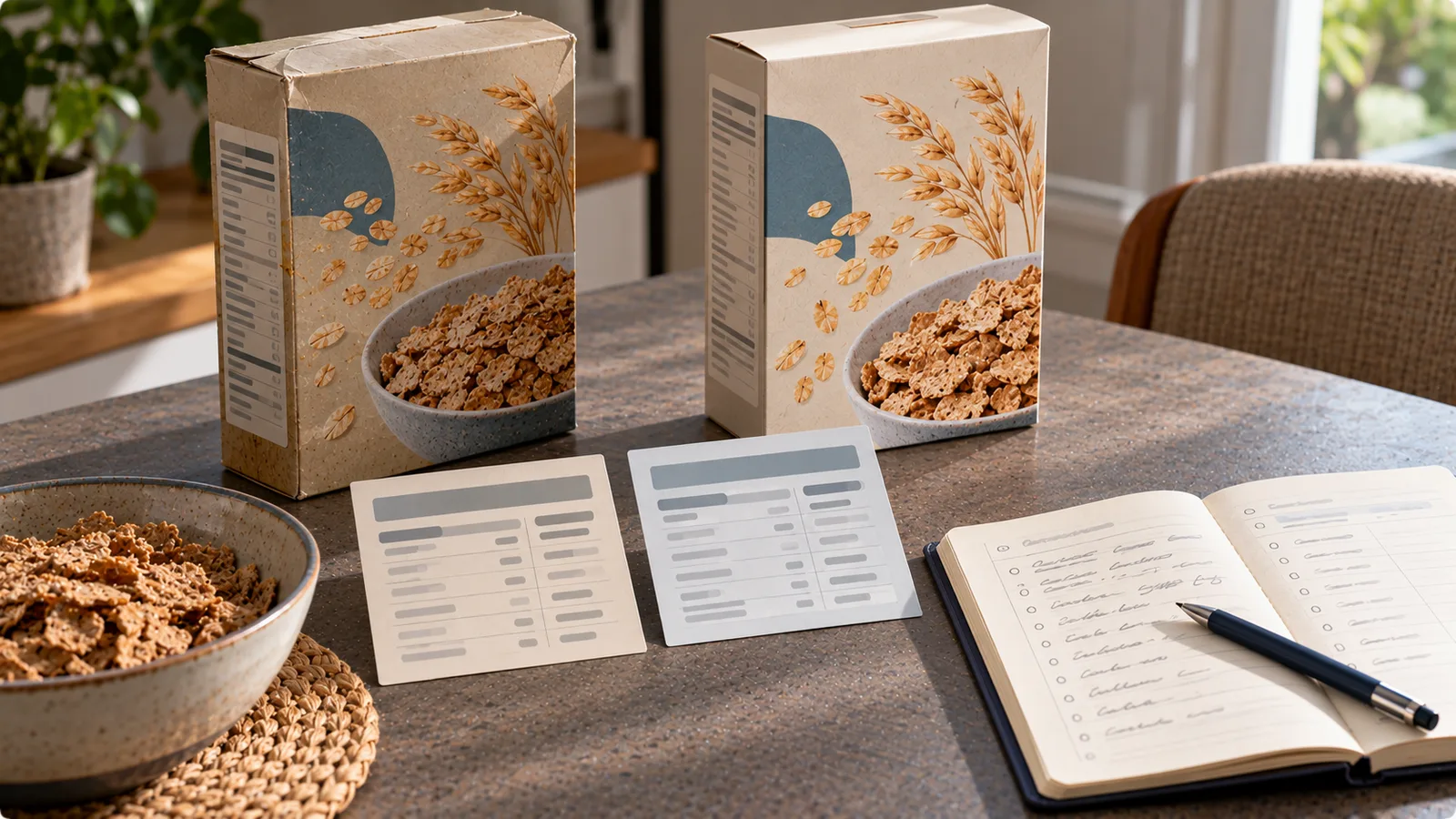
You scan a familiar product in your food diary, but the nutrition values no longer match the package in your hand.
Perhaps the calories have changed from 120 to 135 per 100 g. Maybe the protein content is lower, the ingredients are different, or the serving size has been revised.
This can happen when manufacturers reformulate products, change suppliers, adjust recipes or update their nutrition declarations.
The important principle is simple:
Use the current package information for food you eat now, but do not automatically overwrite the nutrition values of food you logged in the past.
This guide explains how to distinguish a genuine product change from a database error and how to keep your food diary consistent.
First, identify what actually changed
A difference between the app and the package does not always mean the product was reformulated.
Check these possibilities before editing anything.
| What looks different | Possible explanation | What to check |
|---|---|---|
| Calories per 100 g | Recipe change or outdated database entry | Current label and product version |
| Protein, fat or carbohydrates | Reformulation or different product variant | Full nutrition table |
| Calories per serving | Serving-size change | Grams in the stated serving |
| Product name or packaging | Rebranding or redesigned packaging | Ingredients and nutrition values |
| Values for prepared food | Label refers to a different preparation state | “As sold” versus “as prepared” |
| Same barcode, different values | Database mismatch or product update | Exact product in your hand |
| Different values in another country | Market-specific formulation | Country and local package label |
Do not assume that a barcode identifies an unchanging recipe forever.
A barcode may remain associated with a product even when its formulation or nutrition declaration changes.
Step 1: Compare values on the same basis
Start with the nutrition declaration on your current package.
For products sold in the EU, nutrition information is generally expressed per 100 g or 100 ml. Additional per-portion information may also appear.
This common reference makes it easier to compare different versions of a product. European Commission — Nutrition labelling.
Compare:
- Calories per 100 g or 100 ml.
- Fat and saturated fat.
- Carbohydrates and sugars.
- Protein.
- Salt.
- Any additional nutrients relevant to your tracking.
Make sure both versions use the same unit.
For example, 120 kcal per 100 g and 180 kcal per 150 g serving describe the same energy density.
A difference in serving size alone is not necessarily a reformulation.
Step 2: Check the ingredients
Nutrition values are only part of the story.
Compare the current ingredient list with any reliable record of the previous version.
Changes might include:
- A different proportion of flour, milk or oil.
- Sugar replaced or reduced.
- A new protein ingredient.
- Different sweeteners or flavourings.
- A change in fat content.
- Added or removed allergens.
Ingredient changes can help explain a difference in nutrition values, although they do not prove exactly when the change happened.
For allergies or intolerances, always check the current package rather than relying on an older saved food entry.
EU food information rules require specified allergens to be identified in the ingredients list where applicable. European Commission — Food information to consumers.
A food diary is not a substitute for checking the actual allergen declaration.
Step 3: Calculate the effect on your usual portion
A change per 100 g may look small but become more noticeable in a larger serving.
Consider this illustrative example:
| Value | Old version, per 100 g | New version, per 100 g |
|---|---|---|
| Calories | 120 kcal | 135 kcal |
| Protein | 8 g | 6 g |
| Fat | 3 g | 5 g |
| Carbohydrates | 15 g | 16 g |
These are fictional values used only to demonstrate the calculation.
If you normally eat 200 g:
| Value | Old 200 g portion | New 200 g portion | Difference |
|---|---|---|---|
| Calories | 240 kcal | 270 kcal | +30 kcal |
| Protein | 16 g | 12 g | −4 g |
| Fat | 6 g | 10 g | +4 g |
| Carbohydrates | 30 g | 32 g | +2 g |
The formula is:
Amount consumed = label value per 100 g × grams eaten ÷ 100
This calculation helps you decide whether the change matters for your own tracking.
A difference does not automatically mean that one product version is healthier or less healthy.
Step 4: Update future food entries
If the current package clearly differs from the saved database entry, use the new values for future logging.
The exact process depends on your food-tracking app.
Where the app supports it, you can:
- Edit a custom food entry.
- Create a separate entry for the reformulated product.
- Select a verified updated database entry.
- Report incorrect product data to the database provider.
A useful name for a separate entry is:
Product name — current label, October 2026
You can also record the country, package size or another identifying detail.
Do not claim a specific product version based only on the barcode if the packaging and ingredients are different.
If your app does not let you edit a shared product, creating a personal entry may be more practical than repeatedly choosing inaccurate values.
Step 5: Preserve the history of what you actually ate
This is the most important distinction.
Suppose you ate the old version of a product in August and the new version in October.
If you change a shared database record, some apps may recalculate old diary entries using the new nutrition values. Other apps store a snapshot of the values recorded at the time.
These behaviours are application-dependent.
The desired historical result is:
- August entries retain the old product's values.
- October entries use the new product's values.
- Future entries follow the version you actually buy.
Do not deliberately rewrite accurate historical entries merely because a manufacturer later changed its recipe.
Historical data should describe the food consumed on that date.
If your app updates old entries automatically, check whether it offers versioned custom foods, saved snapshots or another way to keep previous records intact.
Before making bulk edits, review whether the app supports export or backup.
What if you still have both versions at home?
This situation is common when you buy several packages at once.
You might have:
- An older package with 120 kcal per 100 g.
- A newer package with 135 kcal per 100 g.
- Both packages carrying the same product name.
Do not choose one value for every serving based solely on the date.
Instead, log each package according to its own label.
If useful, create two entries:
- Product name — old formulation.
- Product name — new formulation.
The manufacturing or best-before date may help distinguish packages, but it does not independently establish their precise nutrition composition.
The label on the actual package is the more direct reference.
What if the barcode still returns the old nutrition values?
A barcode lookup can identify a database record without guaranteeing that its contents match the package currently sold.
When the app result and physical label disagree:
- Confirm that the barcode and product variant match.
- Check the country and package size.
- Compare per-100-g values rather than mixed serving sizes.
- Use the current label for the food being consumed.
- Correct or report the database entry if the app supports it.
Do not assume that the first search result is authoritative simply because the barcode matches.
Likewise, a crowd-sourced database entry can contain typing mistakes even when the manufacturer has not changed the product.
How to distinguish reformulation from a database mistake
Look for independent evidence.
A genuine reformulation becomes more plausible when:
- The current ingredients differ from a documented older label.
- Multiple nutrition values change consistently.
- The manufacturer identifies a recipe update.
- Two physical packages show different declarations.
A database error becomes more plausible when:
- The package label has not changed.
- Only the app's entry contains an implausible number.
- The wrong product size or variant was selected.
- A decimal point, unit or serving size appears to have been entered incorrectly.
Sometimes you cannot determine the cause with certainty.
You can still log the current food accurately without proving why the database differs.
What if only the serving size changes?
Suppose a snack previously listed a 40 g serving and now lists a 30 g serving.
If the nutrition per 100 g is unchanged, the product's energy density may be unchanged too.
For example:
- 400 kcal per 100 g.
- Old 40 g serving: 160 kcal.
- New 30 g serving: 120 kcal.
The per-serving calories changed because the reference portion changed, not necessarily because the recipe changed.
For consistent tracking, enter the actual amount you ate in grams whenever possible.
What about “as sold” and “as prepared” values?
Some packaged foods provide nutrition values for the dry or packaged product and additional values after preparation.
For example, a powdered food may have one declaration per 100 g of dry mix and another for a prepared portion made with milk.
A mismatch between those figures is not necessarily a reformulation.
Check whether the nutrition table refers to:
- The product as sold.
- The product prepared with water.
- The product prepared with milk or oil.
- A specific serving size after preparation.
Use values that correspond to what you actually consumed, including any ingredients added during preparation.
A practical record for recurring products
For foods you buy frequently, a simple reference can save time.
| Field | Example |
|---|---|
| Product | Plain protein yogurt |
| Country | Germany |
| Package size | 400 g |
| Label checked | October 2026 |
| Calories | 135 kcal per 100 g |
| Protein | 6 g per 100 g |
| Entry name | Protein yogurt — current label |
| Notes | Different from previously saved version |
All values in this example are fictional.
You do not need to document every product in this level of detail. It is most useful for foods you log frequently or products that have caused repeated mismatches.
If you keep a photograph of the label, check how your chosen app stores images and whether you are comfortable with its privacy settings.
When is it worth correcting past entries?
A past entry may need correction if it was inaccurate at the time it was recorded.
Examples include:
- You selected the wrong product.
- You entered 200 g instead of 100 g.
- The original database entry was demonstrably incorrect for the package you ate.
- You accidentally logged cooked values for a raw quantity.
That is different from changing an old entry because a newer formulation now exists.
If you do correct historical data, keep the reason clear so you can understand changes in previous summaries.
The simplest rule to remember
When a nutrition label changes, separate three questions:
- What does the current package say? Use it for the food you eat now.
- Why does the app show different numbers? Check units, product variants and possible database errors.
- What did you actually eat in the past? Keep historical values tied to the product version consumed.
This approach prevents a routine packaging or recipe update from distorting your food diary.