
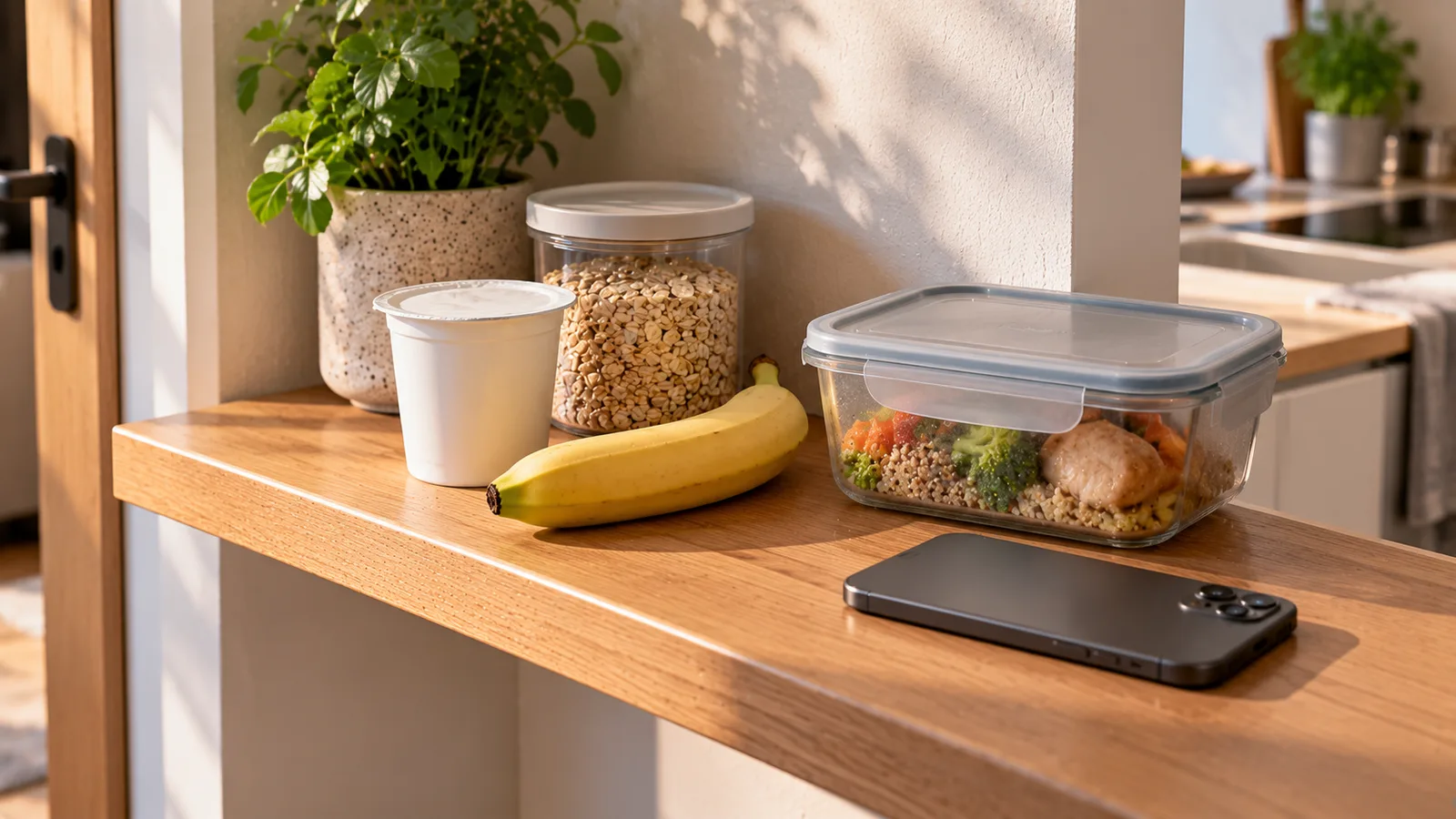
A food tracking app should reduce the effort required to understand what you eat.
If every meal requires searching for several foods, correcting portions and rebuilding recipes from scratch, tracking quickly becomes tedious.
A better approach is to spend a few minutes setting up the system around the foods and meals you actually eat.
The goal is not to create a perfect database on day one. It is to make your most frequent actions fast.
Start with the information that changes your results
Before saving foods or creating meals, check the basic profile settings that influence your daily targets.
Depending on the app, these may include:
- age;
- sex;
- height;
- weight;
- activity level;
- goal;
- calorie target;
- protein, carbohydrate and fat targets.
If the app calculates targets automatically, review them rather than assuming every default is appropriate.
If you already have a target you intend to follow, enter it directly when the app allows this.
The important point is consistency: changing targets repeatedly makes your daily history harder to interpret.
Choose the right level of tracking
Not everyone needs to record the same amount of information.
You might track:
- calories only;
- calories and protein;
- calories plus all three macronutrients;
- meals without calorie targets;
- meal timing;
- selected nutrients.
Choose the minimum amount of information that answers the question you are actually trying to solve.
More fields are not automatically more useful.
If your main goal is understanding calorie intake, forcing yourself to monitor every available nutrient can add work without improving the habit.
Set your usual meal structure
If your app allows meal categories, configure them around your normal day.
For example:
- breakfast;
- lunch;
- dinner;
- snack.
Someone who regularly eats two main meals may need a different structure from someone who eats three meals and two snacks.
The labels themselves matter less than having a predictable place for recurring foods.
A consistent structure makes previous entries easier to find and reuse.
Add your most frequent foods first
Do not try to build an enormous favorites list immediately.
Start with foods you use repeatedly.
For example:
- your usual milk;
- coffee;
- bread;
- eggs;
- yogurt;
- oats;
- rice;
- cooking oil;
- frequently purchased fruit;
- regular protein foods;
- common snacks.
The first 10–20 useful favorites can save more time than hundreds of entries you rarely eat.
Save the exact products you buy regularly
Generic entries are convenient, but packaged foods can vary between brands.
If you regularly buy the same:
- yogurt;
- bread;
- cereal;
- protein product;
- sauce;
- ready meal;
- snack;
save the product-specific entry when possible.
Barcode scanning or nutrition-label scanning can be useful here.
Once the correct product is saved, future logging becomes a quick repeat action instead of a new search.
Check an entry before making it a favorite
A fast shortcut is only useful when the underlying entry is reasonable.
Before saving a food you expect to reuse, check:
- calories;
- serving unit;
- grams per serving;
- protein;
- carbohydrate;
- fat;
- whether values are per serving or per 100 g.
For packaged foods, compare the entry with the package when practical.
This one-time check can prevent the same error from being copied across many future days.
Set useful portion units
A database entry can be accurate but inconvenient if its serving units do not match how you measure the food.
For example, you may normally log:
- bread by slice;
- eggs by item;
- milk by millilitres;
- oats by grams;
- rice by cooked grams;
- oil by grams or millilitres.
Where the app permits custom portions, set up the units you genuinely use.
This reduces mental conversion during daily logging.
Be consistent about raw and cooked weights
Foods such as rice, pasta, meat and legumes can have very different weights before and after cooking because water is gained or lost.
The key rule is simple:
Match the state you weigh with the state represented by the database entry.
If you weigh cooked rice, use a cooked-rice entry.
If you weigh dry pasta, use a dry-pasta entry.
A fast workflow that repeatedly mixes raw weights with cooked nutrition data is still inaccurate.
Create recipes for meals you cook repeatedly
If you prepare the same dish regularly, do not enter every ingredient from scratch each time.
Create a saved recipe.
Good candidates include:
- oatmeal combinations;
- smoothies;
- soups;
- pasta dishes;
- casseroles;
- curries;
- homemade sauces;
- recurring breakfasts.
Enter the ingredients once, then define how the finished recipe will be divided.
Choose a recipe portion method that matches real life
There are several useful ways to log homemade recipes.
Fixed servings
If a recipe reliably produces four similar portions, save it as four servings.
Finished weight
If portions vary, weigh the finished dish and calculate nutrition per gram or per 100 g when your app supports it.
Then you can weigh each serving.
Containers
If you deliberately divide a batch into six meal-prep containers, each container can represent one serving.
The best method is the one you can repeat consistently.
Save complete repeat meals
A saved recipe and a saved meal solve different problems.
A recipe represents a combined dish.
A saved meal can represent several separate foods you frequently eat together.
For example:
Usual breakfast
- two eggs;
- two slices of bread;
- 150 g yogurt;
- coffee with milk.
If the app supports meals or templates, save the combination.
Next time you can add the whole breakfast and change only what differs.
Copy yesterday only when today is actually similar
Copying previous meals can be one of the fastest logging methods.
But it works best as a starting point rather than an assumption.
If today's breakfast is almost identical to yesterday's:
- copy it;
- remove anything you did not eat;
- adjust quantities;
- add anything new.
This is faster than rebuilding the meal and safer than leaving yesterday's quantities unchanged.
Build shortcuts around repetition
Most people's diets contain more repetition than a food diary initially suggests.
You may repeatedly use:
- the same coffee;
- the same breakfast;
- a small group of lunches;
- several staple dinners;
- the same cooking fats;
- a few snacks.
These repeated items should be the easiest things to log.
A useful setup prioritizes frequency rather than trying to organize every possible food.
Use barcode scanning for packaged foods
Barcode scanning is useful when:
- the exact product is in the database;
- you buy it regularly;
- package nutrition differs meaningfully from generic entries.
After scanning, verify that the product and serving information match the package.
A barcode identifies a product; it does not guarantee that every database value is current or correct.
If the result is wrong, use another entry or enter the label information manually when necessary.
Use nutrition-label scanning when the barcode is not enough
A nutrition-label scanner can be useful when:
- a barcode has no result;
- the database entry appears outdated;
- the product is regional;
- you want to capture the values printed on the package.
Check whether the app interpreted:
- kcal or kJ;
- per 100 g or per serving;
- serving size;
- protein;
- carbohydrate;
- fat.
Scanning reduces typing, but the extracted values still need to correspond to the label.
Use meal-photo logging when precision requirements allow it
Photo-based food tracking can reduce the number of manual searches for mixed meals.
It is particularly useful when speed matters more than gram-level precision or when exact weights are unavailable.
A photo estimate may need correction when:
- ingredients are hidden;
- cooking oil is not visible;
- sauces are difficult to quantify;
- portion depth is unclear;
- multiple foods overlap.
Use the estimate as a starting point and adjust obvious errors rather than recreating the entire meal manually.
Decide which logging method fits each situation
You do not need to use one input method for every food.
A practical system might look like this:
| Situation | Fast input method |
|---|---|
| Regular packaged food | Saved barcode entry |
| New packaged food | Barcode or label scan |
| Repeat homemade dish | Saved recipe |
| Repeat combination | Saved meal |
| Simple measured food | Search/favorite |
| Restaurant or mixed meal | Photo estimate or manual estimate |
| Yesterday's repeated meal | Copy and edit |
The fastest food tracker is usually not the one with a single input method.
It is the one that lets you use the appropriate shortcut for each situation.
Put high-frequency foods at the top of your workflow
Suppose you drink the same coffee every morning.
If logging it requires:
- searching “coffee”;
- finding milk;
- changing the milk amount;
- adding sugar;
- checking the meal category;
you are repeating unnecessary work.
Instead, save the complete combination or make its components easy to reuse.
Apply the same principle to any entry you log several times per week.
Create a small meal rotation
If your meals vary but not infinitely, create a reusable set.
For example:
Breakfast
- eggs and bread;
- yogurt and oats;
- oatmeal with fruit.
Lunch
- rice and chicken;
- lentil soup;
- tuna sandwich.
Dinner
- pasta;
- fish and potatoes;
- bean bowl.
This is not a requirement to eat the same meals.
It simply means your common meals already exist as shortcuts.
When something changes, edit the saved version.
Keep ingredient names recognizable
Custom foods and recipes should be easy to identify later.
Names such as:
- “Breakfast 1”;
- “Meal test”;
- “Recipe new”
become confusing after a few weeks.
Prefer names such as:
- Oats + yogurt + berries;
- Chicken rice bowl;
- Lentil tomato soup;
- Coffee with milk;
- Homemade turkey pasta.
Good names reduce search time.
Avoid creating duplicate custom foods
Before manually adding a product, check whether you already saved it.
Duplicate entries make future logging slower because you have to decide which version is correct.
If you replace a product with a new formulation, update your workflow or clearly distinguish the new entry.
For example:
- Yogurt brand X — old;
- Yogurt brand X — current.
Better still, archive obsolete entries when the app supports it.
Review your favorites occasionally
Your frequently eaten foods change.
A favorites list that was useful six months ago may become cluttered.
Every so often:
- remove obsolete shortcuts;
- keep current products easy to reach;
- update recipes you now prepare differently;
- correct serving sizes that repeatedly require editing.
The purpose is not perfect organization.
It is reducing friction.
Log cooking oils in a consistent way
Cooking fat is easy to forget because it may not appear as a separate item on the plate.
Choose a repeatable method.
For example:
- measure the oil added to the pan;
- include it in a saved recipe;
- divide it across portions when cooking a batch.
You do not need a new method for every meal.
Consistency is more useful than repeatedly guessing whether oil should be included.
Configure notifications only if they help
More reminders do not automatically improve tracking.
Useful reminders are tied to moments when you can actually act.
For example:
- after your usual meal time;
- in the evening if the day's log is incomplete.
If notifications become background noise, reduce them.
The purpose is to catch forgotten entries, not to create constant interruptions.
Decide when you will log
There are three common approaches.
Before eating
Useful for planning and checking how a meal fits your targets.
Immediately after eating
Useful when you want to remember portions accurately.
Once or twice per day
Can work for people who remember meals well or use photos and repeat entries.
Choose a routine that you can sustain.
A theoretically perfect workflow that you abandon after three days is not efficient.
Keep corrections fast
When an estimate is slightly wrong, edit the specific problem.
For example:
- change 150 g to 180 g;
- remove one slice of bread;
- add the forgotten oil;
- replace the wrong yogurt;
- adjust the serving count.
Do not rebuild an entire meal because one component changed.
Separate precision from consistency
Tracking can fail in two opposite ways.
One person logs everything quickly but never checks obviously incorrect entries.
Another spends so much time chasing exact numbers that tracking becomes exhausting.
A practical system sits between these extremes:
- verify reusable entries carefully;
- use accurate weights when convenient;
- estimate when exact information is unavailable;
- correct meaningful errors;
- accept that some meals cannot be measured perfectly.
A 10-minute setup example
If you are starting from scratch, a useful first setup can be simple.
Minutes 1–2: profile
Check calorie and macro settings.
Minutes 3–5: favorites
Save your most common foods and drinks.
Minutes 6–7: repeat meals
Create one or two meals you eat frequently.
Minutes 8–9: portions
Make sure common entries use convenient serving units.
Minute 10: workflow
Decide which method you will normally use for:
- packaged foods;
- homemade meals;
- restaurant meals;
- repeat meals.
You can improve the system later as real patterns emerge.
Example: turning a slow breakfast into a fast entry
Suppose breakfast is usually:
- 2 eggs;
- 80 g bread;
- 150 g skyr;
- coffee;
- 90 ml milk.
Without setup, you might search for five separate items every morning.
Instead:
- verify the entries once;
- save them as a meal;
- call it “Eggs, bread, skyr + coffee”;
- add the complete meal each morning;
- edit only the quantity that changes.
If you sometimes eat three eggs or 100 g bread, changing one number is much faster than rebuilding the breakfast.
Example: a batch-cooked dinner
You cook:
- 500 g chicken;
- 300 g dry rice;
- vegetables;
- 20 g oil;
- sauce.
Instead of entering these ingredients every time you eat the meal:
- create the recipe once;
- include all meaningful ingredients;
- define servings or finished weight;
- save it;
- log the appropriate portion later.
If you cook a materially different version next time, update or duplicate the recipe rather than silently using nutrition data from the old version.
Example: an unfamiliar packaged food
You buy a product for the first time.
A fast workflow is:
- scan the barcode;
- check whether the result matches;
- if necessary, scan or enter the nutrition label;
- verify serving basis;
- save the correct product if you expect to buy it again.
The first entry may take a little longer.
Every later entry becomes faster.
What not to optimize
You do not need to spend time creating shortcuts for foods you eat once per year.
The highest-value setup work is concentrated on:
- daily foods;
- weekly meals;
- recurring products;
- common recipes;
- repeated drinks;
- frequent snacks.
Optimize repetition first.
When your routine changes
Your setup should evolve with your actual diet.
If you begin eating a new breakfast every weekday, save it.
If you stop buying a particular product, remove it from favorites.
If a recipe changes permanently, update it.
If your meal schedule changes, adjust the categories or reminders if needed.
A tracking system should adapt to your routine rather than forcing your routine to match an old setup.
A practical setup checklist
Before considering your food tracker “set up,” check whether you can answer yes to most of these:
- My calorie or nutrition targets are configured appropriately.
- My usual meal categories match my day.
- My most frequent foods are easy to find.
- Products I buy repeatedly are saved.
- Common serving units are convenient.
- Repeat recipes do not need to be rebuilt.
- Repeat meals can be copied or added quickly.
- I know when to use barcode, label, photo or manual entry.
- I have a consistent approach to raw and cooked weights.
- I can correct an entry without rebuilding the entire meal.
- My reminders help rather than interrupt me.
You do not need every feature.
You need a workflow that removes repeated work.
How Mealisa approaches faster logging
Mealisa is designed around the idea that different foods require different input methods.
Depending on the situation, logging can start from:
- a food photo;
- a barcode;
- a nutrition label;
- a saved food;
- a recipe;
- a previous meal.
The useful setup is therefore not about choosing one method and using it forever.
It is about making recurring foods reusable and using the lowest-friction input method that still gives you useful information.
The fastest system is the one you keep using
Speed does not come from rushing through every entry.
It comes from eliminating repeated decisions.
Verify common foods once.
Save meals you repeat.
Reuse recipes.
Choose practical portion units.
Copy similar days when appropriate.
Use scanning and photos when they reduce manual work.
After the initial setup, most daily logging should become editing and reusing rather than rebuilding.
That is what turns food tracking from a repetitive data-entry task into a manageable daily routine.