
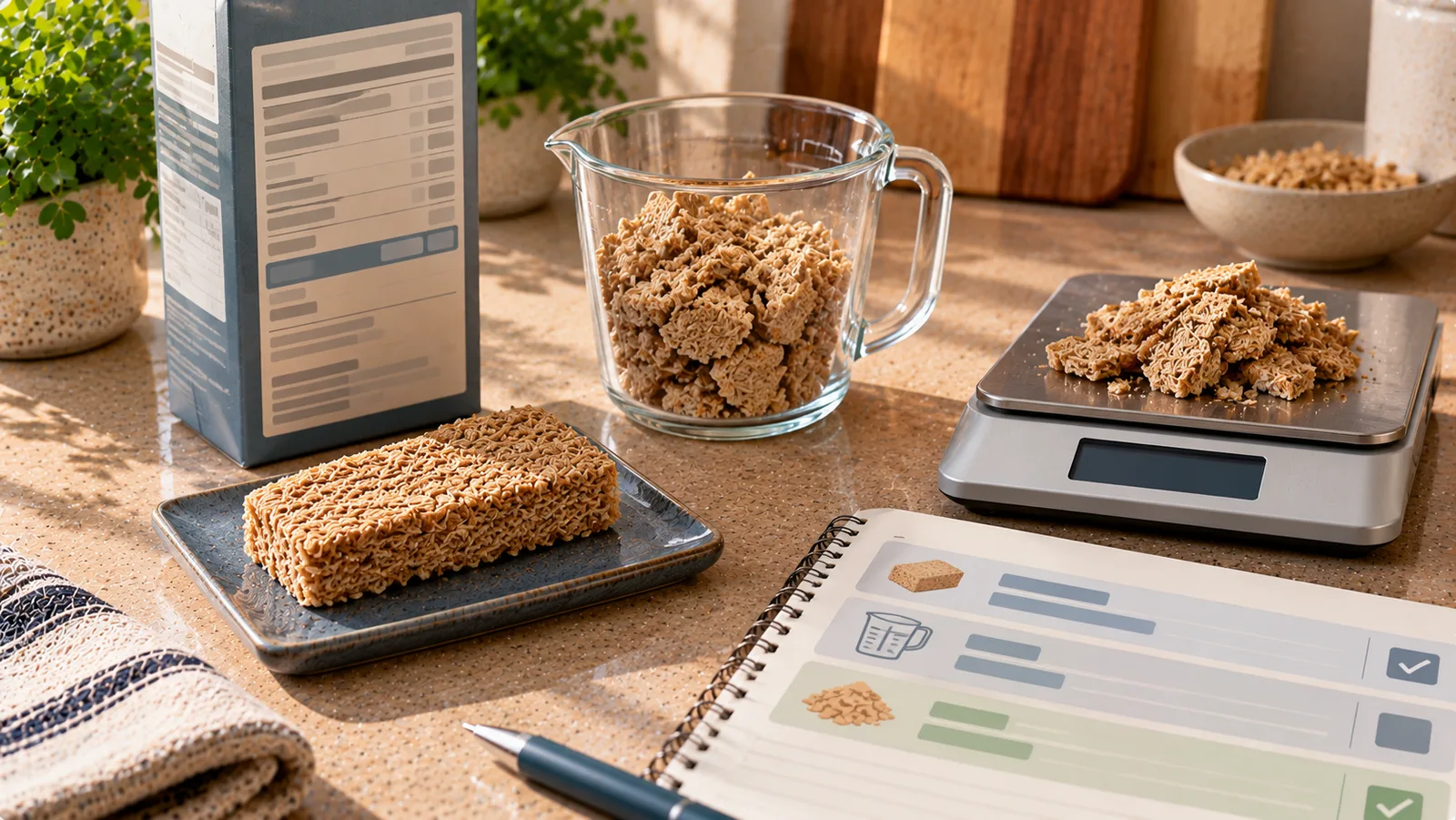
A food entry can contain the correct product and still produce the wrong calories if the serving unit is incorrect.
A common example is selecting 1 serving when the database defines a serving as 100 g, even though you ate only 30 g. The opposite can also happen: you enter 100 thinking the unit is grams, while the app interprets it as 100 servings.
Serving-unit errors are different from incorrect nutrition data. If the calories per 100 g on the label and in the food entry agree, the problem may simply be the unit or quantity used to calculate your portion.
First identify what is actually wrong
Before editing the food itself, compare four pieces of information:
- the unit selected in the food log;
- the quantity entered;
- the serving definition attached to that unit;
- the amount you actually ate.
For example, your log might show:
2 servings
but the food entry defines:
1 serving = 30 g
That means the app is calculating nutrition for:
2 × 30 = 60 g
If you actually ate 45 g, the nutrition data may be correct while the logged quantity is not.
The basic conversion
When the serving has a known gram weight:
grams eaten = number of servings × grams per serving
If one serving is 25 g and you ate 1.5 servings:
1.5 × 25 = 37.5 g
You can either log 1.5 servings or, if the app allows it, switch to grams and enter 37.5 g.
Both should produce approximately the same nutrition result when they use the same underlying food data.
Example: piece vs gram
Suppose a food entry says:
- 1 piece = 40 g;
- 100 g = 250 kcal.
You ate 3 pieces.
Total weight:
3 × 40 = 120 g
Calories:
250 × 120 ÷ 100 = 300 kcal
If the app accidentally interprets your entry as 3 g instead of 3 pieces, the calculated amount would be dramatically too small.
The solution is not to change the food's calories per 100 g. The solution is to correct the serving unit.
Example: grams vs servings
Imagine a cereal contains:
380 kcal per 100 g
and its database entry defines:
1 serving = 40 g
You ate 60 g.
Correct entry:
60 g
or:
60 ÷ 40 = 1.5 servings
Both represent the same amount.
If you enter “60 servings,” however, the app would interpret the quantity as:
60 × 40 = 2,400 g
This is a unit error, not a calorie-database error.
Example: cup vs gram
Volume units require more care.
A cup measures volume, while grams measure mass. The conversion depends on the food.
One cup of oats does not weigh the same as one cup of yogurt, cooked rice or chopped vegetables.
Suppose a specific product or reliable entry defines:
1 cup = 160 g
If you ate 0.75 cup:
0.75 × 160 = 120 g
If the food contains 90 kcal per 100 g:
90 × 120 ÷ 100 = 108 kcal
Do not use a generic “1 cup = X grams” conversion for all foods.
Why household units can create errors
Food databases may offer units such as:
- piece;
- slice;
- tablespoon;
- teaspoon;
- cup;
- bowl;
- package;
- serving;
- gram;
- ounce.
Some are precise only when their definition is known.
“One slice” can mean 20 g in one product and 35 g in another.
“One serving” has no universal weight.
Even tablespoons and cups can be problematic when the food is irregular, packed differently or measured with different density.
When accuracy matters, grams are often the easiest common reference.
Check the label basis
Before correcting the entry, determine how the product label reports nutrition.
It may show values:
- per 100 g;
- per 100 ml;
- per serving;
- per piece;
- for both 100 g and one serving.
Suppose a package states:
120 kcal per 30 g serving
and you ate 45 g.
The correct calculation is:
120 × 45 ÷ 30 = 180 kcal
If the app's serving unit is 30 g, you can enter:
45 ÷ 30 = 1.5 servings
Again, the issue is the relationship between quantity and unit.
Do not change the nutrition values just to make the total look right
If a food entry correctly says 400 kcal per 100 g but your logged total looks too high because you selected the wrong serving size, changing the food to 200 kcal per 100 g creates a second error.
Instead:
- preserve the correct nutrition basis;
- correct the serving definition or selected unit;
- correct the quantity eaten.
This keeps the food reusable for future entries.
Wrong serving definition vs wrong selected unit
These are related but different problems.
Wrong selected unit
The food has correct units, but you selected the wrong one.
Example:
- database offers grams and slices;
- 1 slice = 25 g;
- you entered 50 slices instead of 50 g.
Correct the meal entry.
Wrong serving definition
The food entry itself says:
1 slice = 50 g
but the package shows:
1 slice = 25 g
In that case, the serving definition may be wrong.
If possible, use grams with the correct label values or correct the saved food entry.
A quick diagnostic check
If a logged food looks suspicious, convert the entry back to grams.
Ask:
How many grams does the app think I ate?
Suppose the app shows:
- quantity: 3;
- unit: serving;
- serving size: 80 g.
The app is calculating:
3 × 80 = 240 g
If you know you ate approximately 80 g, the problem becomes obvious.
You probably intended one serving, not three.
When the package contains several servings
Do not assume one package equals one serving.
Example:
- package net weight: 300 g;
- serving size: 75 g;
- servings per package: 4.
If you eat the entire package, that is:
300 g = 4 servings
If you eat half:
150 g = 2 servings
Selecting “1 package” is safe only if the app defines that package as the same 300 g product.
When a piece has variable weight
Foods such as fruit, bread rolls, potatoes and homemade items can vary considerably in size.
A database might define:
1 medium banana = 118 g edible portion
but your banana may not weigh exactly 118 g.
If you have weighed the edible portion, grams are usually more specific than choosing a generic “medium” piece.
If you have not weighed it, the household-unit estimate can still be useful as long as you understand that it is an estimate.
Cooked and uncooked units are not interchangeable
A serving-unit problem can become more complicated when the food changes weight during cooking.
For example, 100 g dry rice and 100 g cooked rice are not equivalent portions.
Water changes the final weight.
If your entry is for cooked rice, use a cooked-rice basis. If it is for dry rice, use a dry-rice basis.
Simply switching the unit from “serving” to “grams” does not fix an entry if the underlying food form is also wrong.
What to do when the unit you need is missing
If the correct food entry has reliable nutrition per 100 g but does not offer your preferred household unit, grams are usually enough.
For example, you ate 35 g of cheese but the app only provides:
- 100 g;
- gram.
Enter 35 g.
There is no need to create a “slice” unit unless it makes future logging easier and you know how much that slice represents.
How to correct an existing meal entry
A safe workflow is:
- Open the logged item.
- Confirm that it is the correct food or product.
- Check the nutrition basis against the package if available.
- Check the selected serving unit.
- Check how many grams or milliliters that unit represents.
- Determine the amount you actually consumed.
- Select the correct unit.
- Enter the corresponding quantity.
- Confirm that the resulting calories and macros are plausible.
This corrects the meal without unnecessarily replacing the food itself.
Should you edit previous entries too?
Not always.
Suppose today's entry is wrong because you accidentally selected “servings” instead of “grams.”
That does not mean yesterday's entries using the same food are wrong.
Correct the affected meal first.
Only change older entries when you have evidence that they used the same incorrect quantity or unit.
This matters because bulk-changing historical logs can turn correct past data into incorrect data.
Be careful when editing a saved food
Some apps separate:
- the saved food definition;
- individual meal entries created from that food.
Others may propagate changes differently.
Before changing a saved serving definition, determine whether the edit will affect:
- only future uses;
- the current meal;
- every historical entry linked to that food.
If the behavior is unclear, preserving historical entries and correcting the current entry individually is safer than assuming every past meal needs modification.
Example: correcting a historical entry
Suppose yesterday you logged:
2 slices of cheese
The food entry defines:
1 slice = 30 g
The package actually says:
1 slice = 20 g
Your log therefore represents:
2 × 30 = 60 g
but you actually ate:
2 × 20 = 40 g
If the cheese contains 350 kcal per 100 g:
Incorrect logged calories:
350 × 60 ÷ 100 = 210 kcal
Correct amount:
350 × 40 ÷ 100 = 140 kcal
The difference is 70 kcal.
Correct the serving amount or unit rather than changing the cheese's per-100-g nutrition.
Example: correcting a tablespoon entry
Suppose a food entry defines:
1 tablespoon = 15 g
You entered:
3 tablespoons
The app therefore calculates:
3 × 15 = 45 g
But you actually weighed 30 g.
If the gram value is available, change the meal to 30 g.
If you want to keep using tablespoons, the relevant question is whether the 15 g tablespoon definition is appropriate for that specific food.
Do not assume every tablespoon of every ingredient weighs 15 g.
When milliliters are more appropriate than grams
For liquids, the package may provide nutrition per 100 ml rather than per 100 g.
If milk contains:
46 kcal per 100 ml
and you drink 250 ml:
46 × 250 ÷ 100 = 115 kcal
Use the unit that matches the label basis when possible.
Do not automatically treat 250 ml as 250 g unless the food entry is explicitly designed to support that conversion.
Serving units and barcode entries
Scanning a barcode identifies a product, but it does not guarantee that every serving unit attached to the database record is correct.
After scanning a new product, it can be useful to compare:
- calories per 100 g or 100 ml;
- serving size;
- package size;
- units available in the app.
If the core nutrition values match the package but a household serving does not, use the reliable unit rather than rejecting the entire product entry.
A practical hierarchy for choosing units
When several units are available, a useful order is:
- actual measured grams or milliliters;
- a package-defined piece or serving with a known weight;
- a reliable household measure with a food-specific conversion;
- a generic visual estimate when no better information is available.
The first option is not mandatory for every meal.
The hierarchy simply reflects increasing uncertainty.
Avoid false precision
Correcting a unit does not mean you need to pretend that every amount is known perfectly.
If you ate approximately half a restaurant portion and have no weight information, converting it to an invented value such as 237 g does not make the estimate more accurate.
Use precise units when you actually have precise information.
When you do not, record a reasonable estimate and preserve that uncertainty.
The key rule
When a food log shows unexpected calories, do not immediately assume the nutrition database is wrong.
First check:
- what unit is selected;
- what that unit means;
- what quantity was entered;
- whether the label is based on grams, milliliters, pieces or servings;
- how much food was actually eaten.
If the underlying nutrition values are correct, fixing the relationship between unit, quantity and actual amount is usually all that is needed.